4.3.5. Activate Calenco Forms
The disabled Calenco Forms functionality is available in test mode and restricted operations. The corresponding messages in the dedicated interfaces indicate at which stage it is necessary to activate the functionality (see Subscribe to the feature).
The functionality becomes fully accessible once the customer account manager has subscribed to this option in the → (see Manage the subscription,).
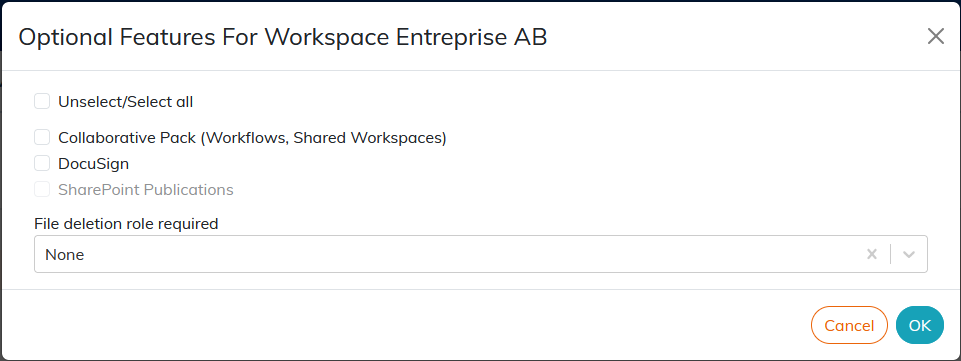
The menu, available for each workspace, allows the account manager to see if the Calenco Forms feature (see Calenco Forms V2) is activated.