6.2.4. To electronically sign a publication
![[Note]](cco-note.svg) |
|
|
This feature is an option that works in connection with your DocuSign account. After subscribing to this feature in the → , the customer account manager can enable the option via the → in → . |
The  icon allows you to transfer the PDF publication of your document to DocuSign for signature:
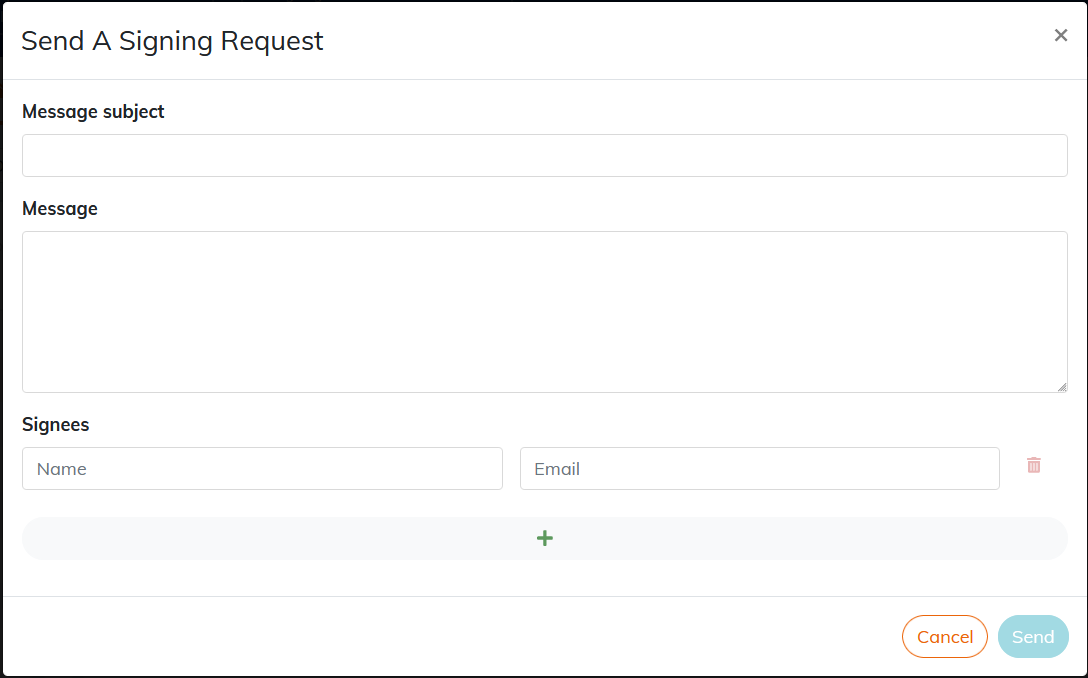
Persons about to sign will receive an email from DocuSign with the subject and body of the message entered in Calenco.
There is no limit to the number of signers that can be set for a document.
Go to section Electronic Signature to prepare documents for electronic signature.