6.3. Assign a form via a workflow
-
In the tab, select a form, and click on → .
-
Select a workflow template (see Define a template of workflow).
![[Tip]](cco-tip.svg)
It is possible to create a workflow without any templates. The access level for each step must be set to Forms.
-
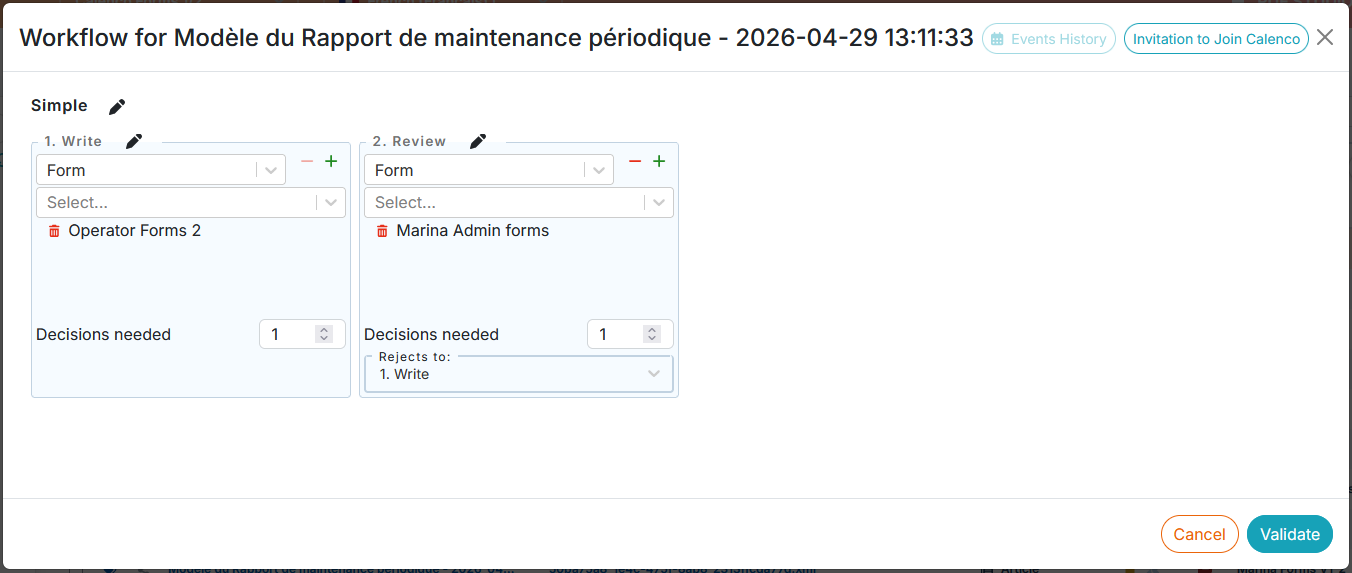
For each step, select:
-
the people who have to intervene;
![[Note]](cco-note.svg)
Users assigned to a task receive an email when this task of the workflow is active.
-
The number of decisions needed to move the workflow to the next step;
-
|
|
|
A completed and synchronized with Calenco form triggers the workflow to move to the next step. |
For other workflow actions, please see: