6.2. Create and assign a form
This feature allows you to create a form and assign it to yourself or another user.
-
In the tab, select a form model, and click on → .
-
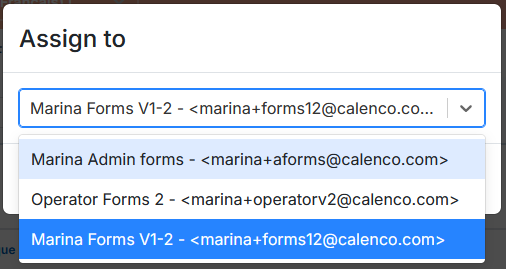
In the dialog box, select your own account or one of the users and confirm your choice:
The created and assigned form appears in the document list. It is locked with the orange padlock and the name of the lock's user-owner:

![[Important]](cco-important.svg)
In order for operators to access the forms assigned to them, the customer account manager must assign the necessary tags to each operator (see Assign forms to operator).