3.17. Insert a list
Calenco offers three types of lists ( ):
-
Bulleted list: bullet characteristics are managed by the style sheet.
-
Ordered list: the type of numbering (numbers, letters, other) is managed by the style sheet.
-
List of definitions.
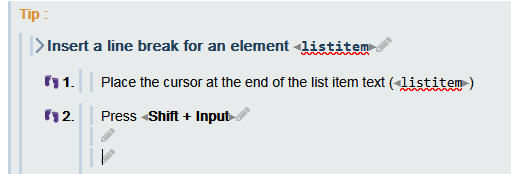
![[Tip]](cco-tip.svg) |
|
|
Continue numbering an ordered list. To continue numbering with the index following the last index of a previous list, the 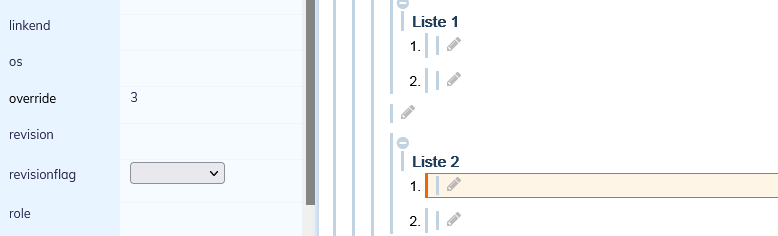 |
|
|
|
To visualize the index with which an ordered list begins in the editor. To visualize the index with which the list begins, select the 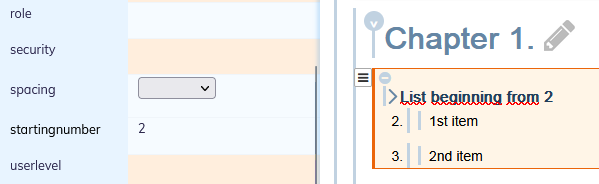 |