6. To configure
6.1. Color content
The settings below can be used to display certain content in a specific color in the PDF publication.
-
In the editor, apply the
emphasiselement to the content to be colored: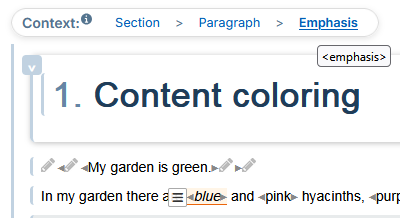
-
In the list of attributes, the
role = colorattribute and theremap= color value in hexadecimal format: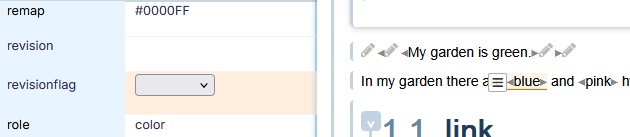
![[Tip]](cco-tip.svg)
Here is a sample list of colors and their hexadecimal values.
To color the entire content of a paragraph, apply the
phrase element, then theemphasis element: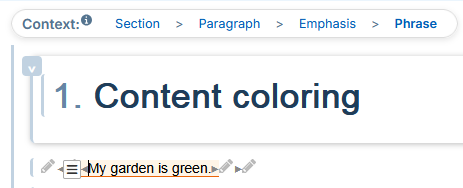
-
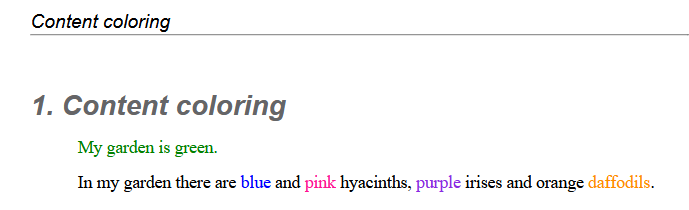
All content set up in this way is published with its respective color: