5.2. Export/import package for translation
![[Important]](cco-important.svg) |
|
|
Using the option requires you to subscribe to the Calenco Translate feature and activate it for the workspace (see Activate Calenco Translation). |
The process is divided into 3 steps for which certain constraints must be respected so that the translation is well recognized by Calenco.
5.2.1. Export for translation
|
|
|
Open dependencies. If one or more dependency files are open (being edited) at the time of the translation request, the upload fails with the following notification: 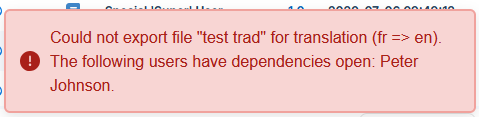 Save and close all files and start a new translation request. |
-
From the source language of the document to be translated, click on the .
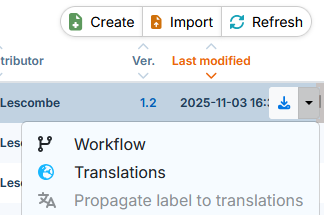
-
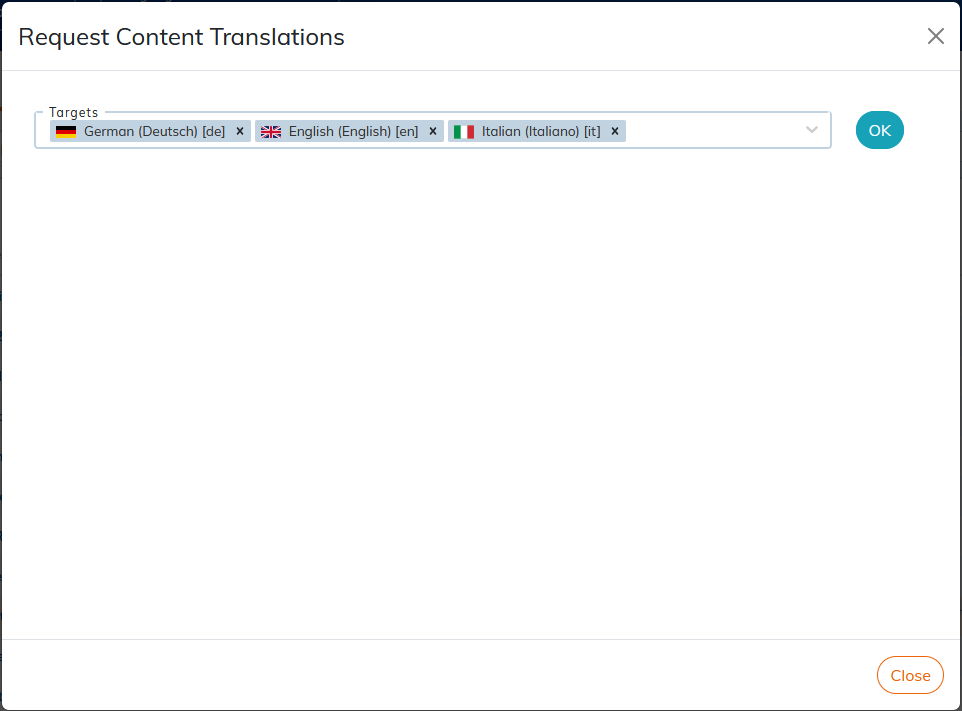
Choose the target languages into which the document should be translated:
-
The following dialog displays the list of files to be sent in translation with the master document.
Select the content to be sent for translation using the three checkbox options and the translation status by language:
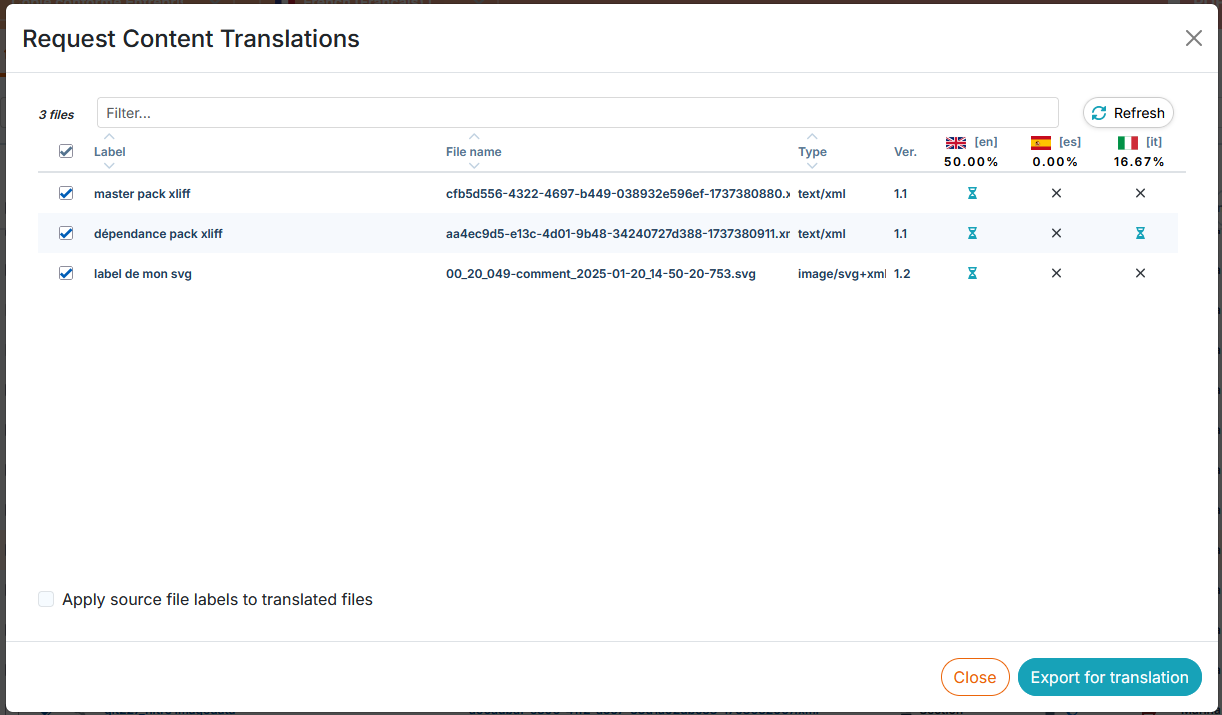
Translation sending options:
-
 include in the pack if needed;
-
 force inclusion in the pack.
-
 do not include in the pack.
-
-
Click . This action generates a ZIP archive (pack).
-
Click , to retrieve the pack from your computer.
![[Note]](cco-note.svg)
It is possible to download the pack via the link in the automatic email sent each time a ZIP archive is generated.
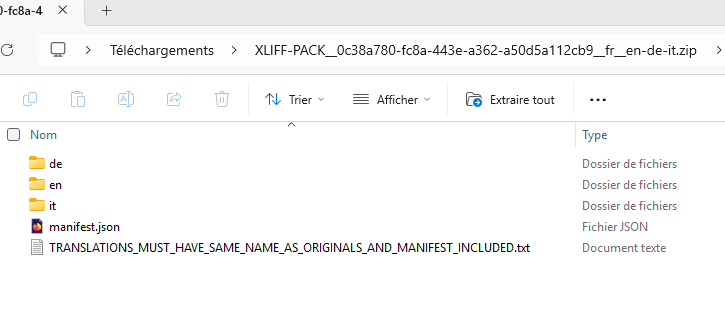
The package name is XLIFF-PACK_[unique technical name]_[source language]_[target language(s)].zip. The example above indicates that the translation request is for translation from French to English, German, and Italian. It is possible to change the name of the package with, for example, specific information for the attention of the translation agency.
The pack consists of the following elements:
-
One folder per target language containing files to be translated (see details below).
-
a technical document manifest.json that allows the recognition of content between the export pack and the respective import pack in order to guarantee the proper return of translations in Calenco.
-
a README-type document that stipulates the rules to be followed, in particular:
-
Do not change the names of the source files. The names of the translated files must be the same as the names of the source files.
-
The manifest.json document must always be part of the export package and the import package.
-
The target language folder contains:
-
files of type xml in XLF format;
-
files of type SVG 'with content to be translated images .svg) in XLF format, if present in the documents.

The file name is composed of [File Label] - [Unique Technical Name]. [xml]. [svg].xlf
![[Warning]](cco-warning.svg)
Send files from multiple workspaces for translation When the cross-workspace content sharing feature is used, it may be necessary to export for translation from multiple workspaces to reconstruct an entire document.
It is important to respect the structure of the generated archives, and not to mix files from multiple workspaces. Similarly, it is important to note the association between the name of the archives and the workspaces from which they come. This will allow each translation to be imported back into the corresponding workspace once the files have been translated.
It is therefore recommended that you rename the archive file .zip using the name of the workspace, for example
ACME_User-Guides.zip. -