5.2.3. Importing the translation into Calenco
![[Important]](cco-important.svg) |
|
|
Before you import the ZIP archive, make sure that the contents of the archive comply with the following rules:
|
-
In the workspace for the translated files, regardless of the language, click the button.
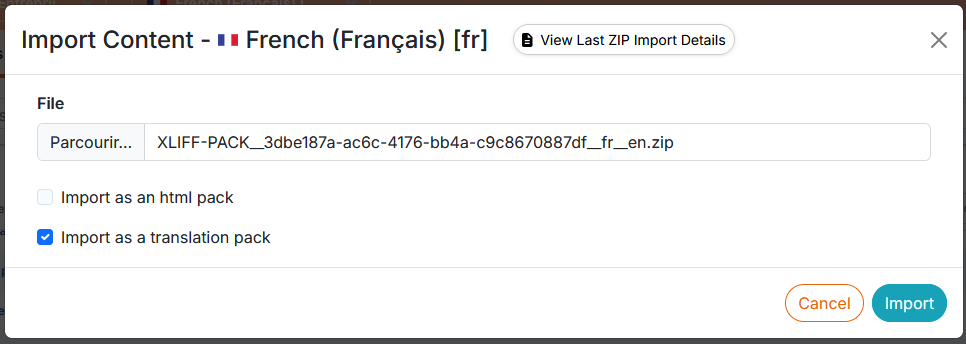
Select the archive containing the translations. Check the box “Import as a Translation Pack”:
![[Caution]](cco-caution.svg)
Calenco does not notify the error when the import package fails to import for translation. If the translated files are not visible in the corresponding target language, the ZIP archive must be checked for compliance and re-imported.
![[Note]](cco-note.svg)
The export/import pack option for translation allows for staggered delivery of translations. For example:
-
In the case of a multilingual package, the import package may contain a folder for a language for which the translation has been finalized ahead of the other languages in the same package.
-
In the case of a package for a single target language, the import package can contain part of the set of files of the export package: one or more dependencies have been finalized in advance and can be reimported into Calenco to update the translated version of another master document.
-
The manifest.json file must be included without modification in any case.
-
-
If you use files that are shared between workspaces, new translations are automatically shared when the files are imported into their source spaces.
![[Warning]](cco-warning.svg)
Limitations The following elements will need to be recreated manually if necessary:
-
Publications;
-
Classifications To tag contents.
-