3.3. Activate a form template
The form template is stored in the Calenco interface.
In order to be able to create forms in the Calenco Forms application, the template must be:
-
enabled if it's a new model
 ;
;
-
reactivated if it's an updated template (or its dependencies or stylesheet)
 .
.
Procedure 50. To (re)enable the form template:
![[Important]](cco-important.svg) |
|
|
To reactivate an updated template, close the document in the editor after saving the changes. |
-
Click the symbol for an inactive template.
-
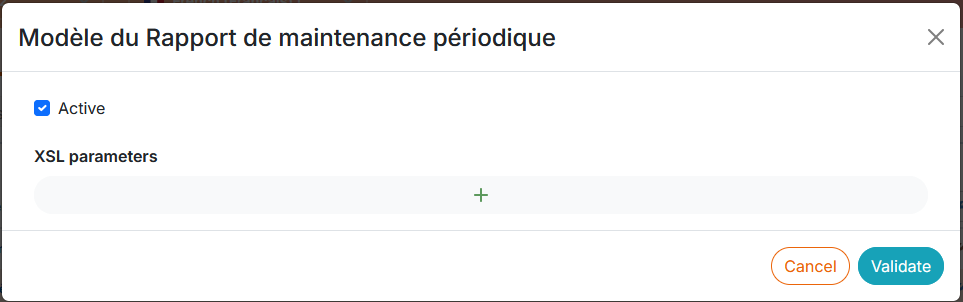
In the dialog that opens, check the box Active. For the template you want to reactivate, skip to the next step.
If necessary, add style sheet settings.
-
Click .
The active template is displayed with
 in the Calenco interface. It is available in the application for the creation of forms by operators (see Create a form):
