6. Assign a form
The features described in this section can be accessed with the Customer Account Manager and Workspace Administrator role.
There are three ways to assign a form to a user or to yourself:
-
via a lock on an existing form;
-
creating a form;
-
via a workflow.
![[Important]](cco-important.svg) |
|
|
In order for operators to access the forms assigned to them, the customer account manager must assign the necessary tags to each operator (see Assign forms to operator). |
6.1. Assign a form via a lock
This feature allows you to:
-
lock a form on yourself;
-
lock and thus assign a form to another user;
-
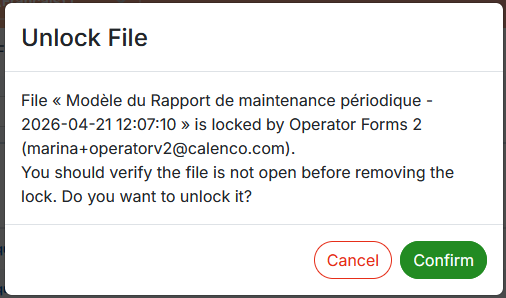
unlock a form.
Procedure 52. To lock a form
-
In the tab, click
 or in the form menu → .
-
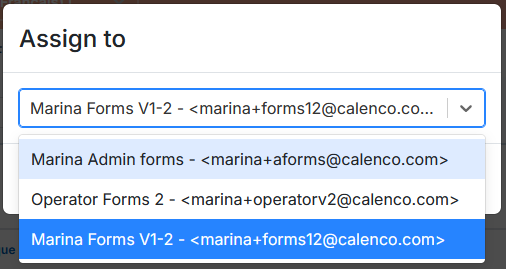
In the dialog box, select your own account or one of the users and confirm your choice:
The locked form is displayed with the orange padlock and the name of the user-owner of the lock:

In order for operators to access the forms assigned to them, the customer account manager must assign the necessary tags to each operator (see Assign forms to operator).
![[Note]](cco-note.svg)