3. Manage a form template
The features described in this section can be accessed with the Customer Account Manager and/or Workspace Administrator role.
3.1. Import a form template into the workspace
This feature can be accessed with the Customer Account Manager role and available without a subscription to Calenco Forms.
A form template is already present among the sample documents in a workspace:
-
automatically created when you first register with Calenco;
-
created in addition to existing spaces with the default content (see Add a new workspace).
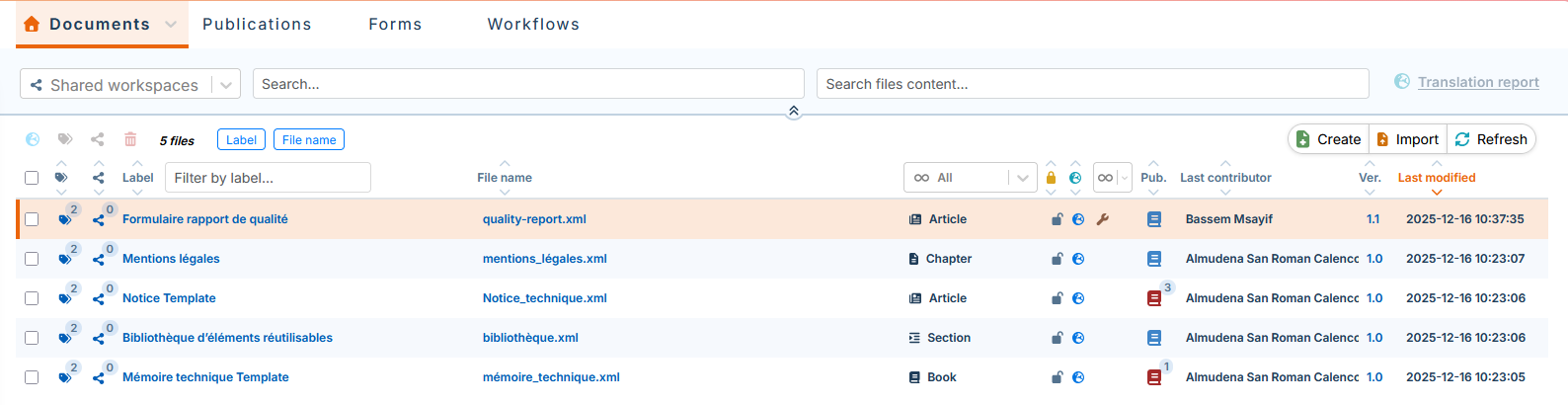
If a workspace does not contain any form templates, or if you need more than one template, it is possible to import a form template that is provided by default.
-
In the → , click → :
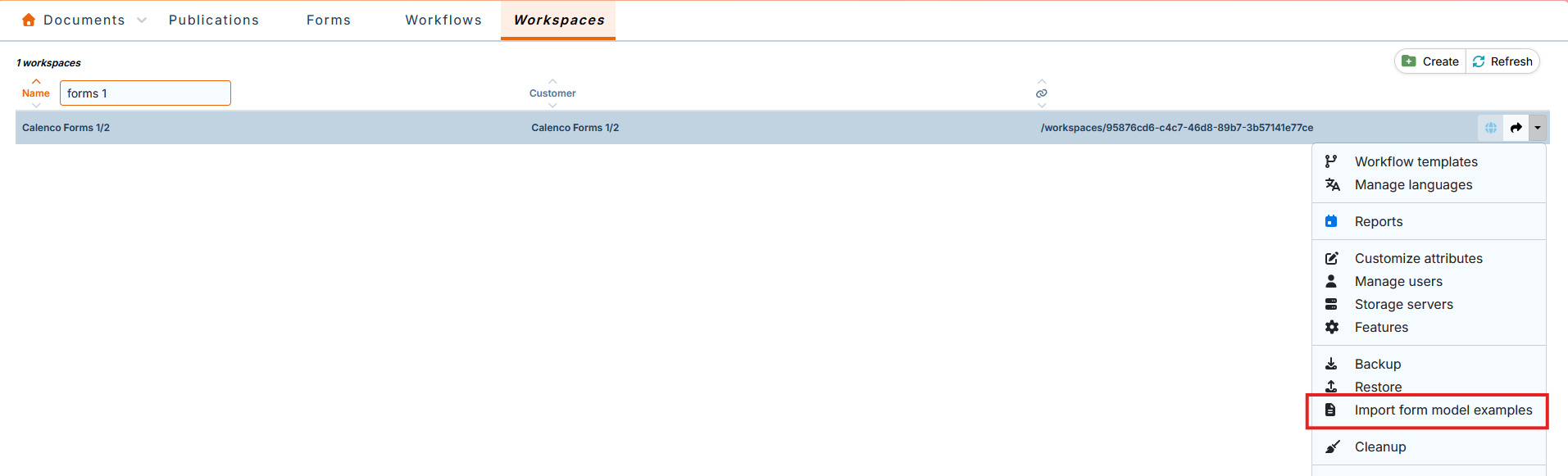
-
The template's xml file is automatically injected into the tab in the Calenco interface:

![[Note]](cco-note.svg)
The default template is injected into the French language menu (the default source language). If your source language is other than English, please contact your usual NeoDoc contact.
This template could be used to create:
-
base templates (see Create a new form template);
-
a custom template (see Edit a form template).