3.2. Create a new form template
The features described in this section can be accessed with the Customer Account Manager and Workspace Administrator role.
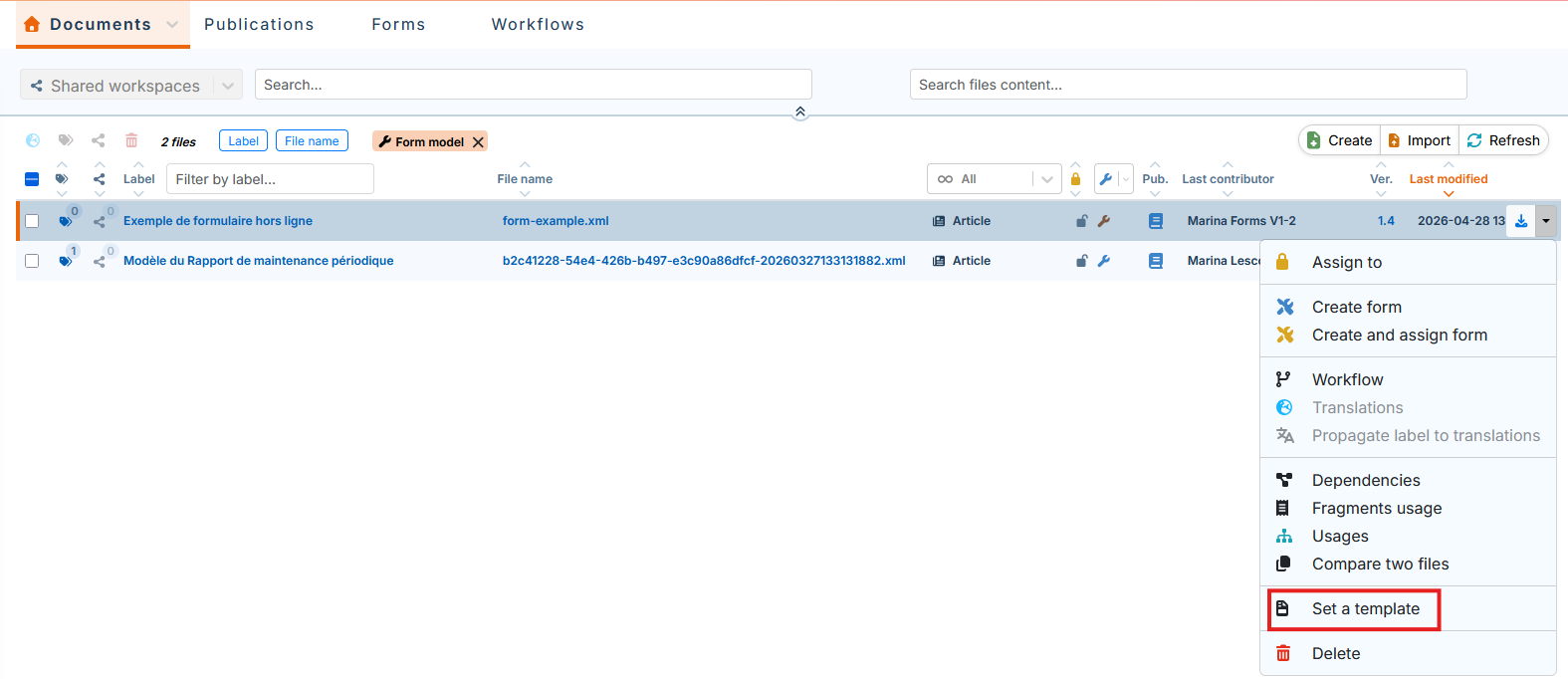
3.2.1. Set as Template
It is possible to define the form template as the base template in order to customize it if necessary (see Edit a form template). This base template can be used to create form templates based on this template (see Create a form template based on a base template).
-
In the tab, for the desired form template, click :
![[Important]](cco-important.svg)
The created template is no longer linked to the original document.
-
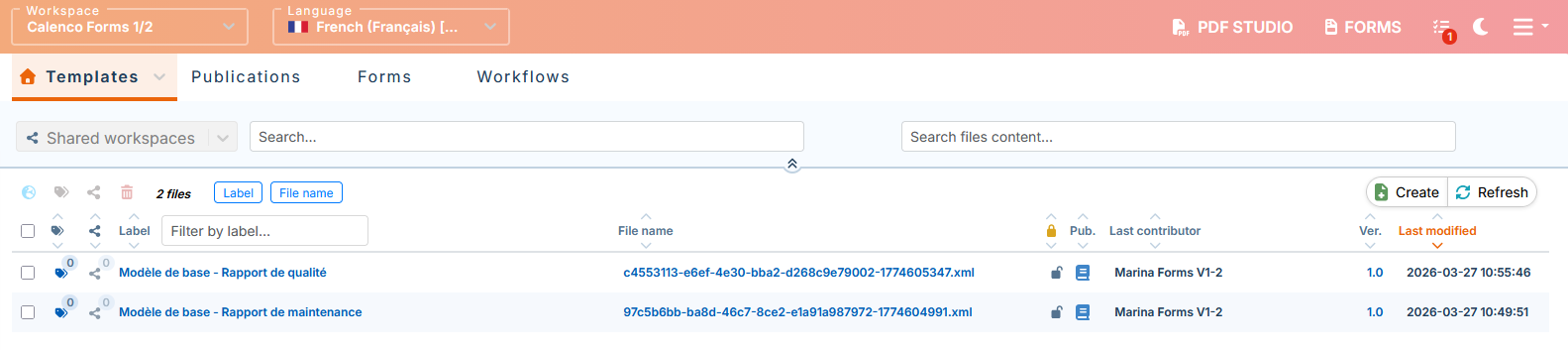
The created base template is stored in the menu :
![[Tip]](cco-tip.svg)
It is recommended to customize the label of the base templates for quick search and identification.