5.2. Tables and illustrations
This menu is used to configure:
Tables
-
the color of the text as well as the background of a table;
-
the style of outer borders and cell borders;
-
the margins inside the cells.
Table titles and illustrations
-
the style of the title;
-
The position of the title in relation to the element.
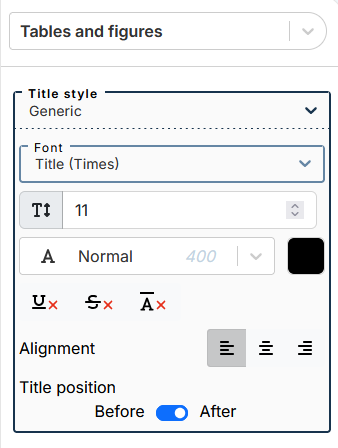
Navigate the drop-down menu to select the desired item. The menu is used to set common settings for tables, illustrations, bulleted lists, ordered lists and procedure steps.
Figure 19. Set generic title style for all types of lists, procedure steps, tables and illustrations
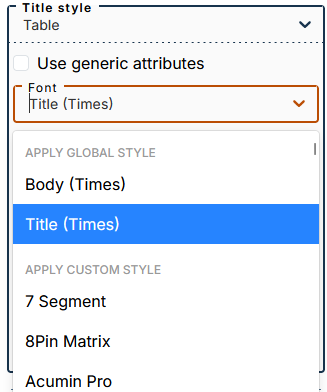
To customize the style of each element, select its name from the drop-down menu Title style, uncheck the box Use generic attributes.
The submenu lets you apply one of two global styles (defined in the menu Global font styles): body or title (applied by default).
You can apply a custom style by selecting a font from this part of the drop-down menu.