5.3. Edit a form via the Documents tab
This access to the forms is available for Customer account managers and workspace administrators.
Forms that are completed in editing or synchronized while editing are stored in the Documents tab.
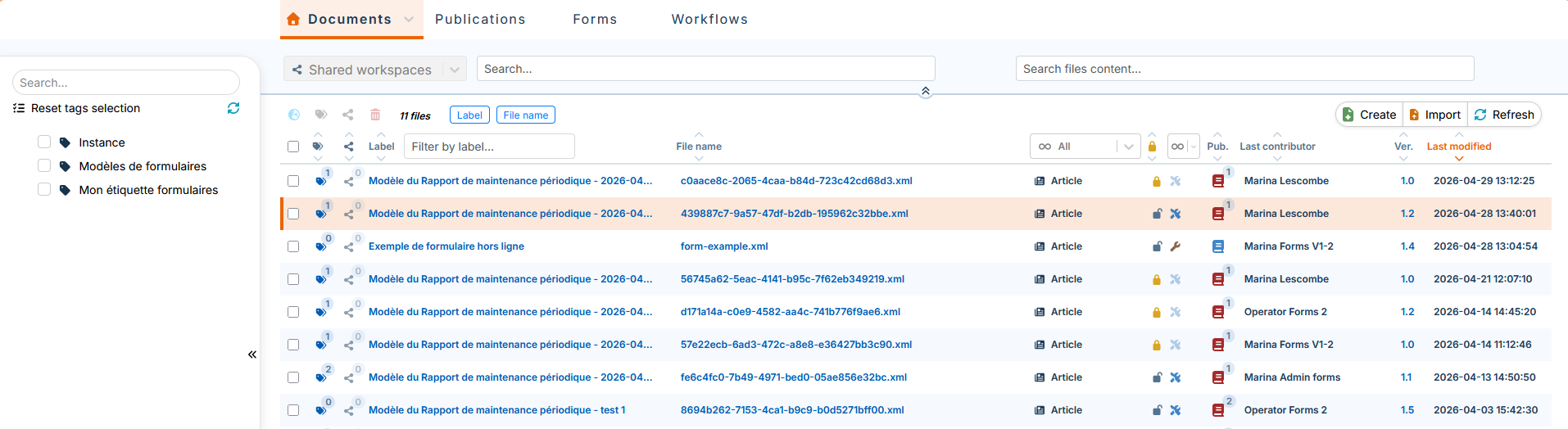
Opening a form for editing via the Documents tab is done via:
-
The
 button or
-
The button in the menu .
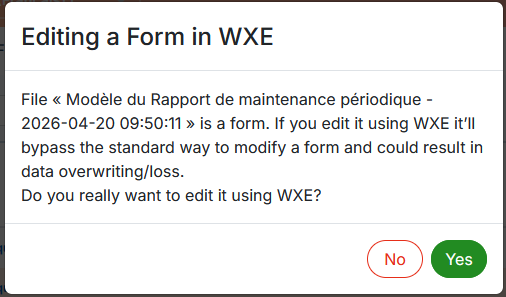
It is not recommended to edit forms in the xml editor (WXE). When you open a file, you will see the following message:
Forms with the bright orange padlock symbol  are assigned to a user or locked in editing by a user.
In order to open these forms for editing, they must be unlocked (see Procedure 53, “To unlock a form”).